
Tools to understand, configure and improve your PC.
Astrix Tweaks apps follow three rules: tweaks do something real, you see what changes before it happens, and changes can be reversed. Most features below are in MEGA; the Optimizer covers the tweak side.
Diagnostics
Live CPU, GPU, RAM and storage on the home screen, a benchmark for CPU, RAM bandwidth and uncached disk speed, and a process and startup manager.
Tweaks
373 Windows settings in 14 categories. Each states what it changes and whether it needs admin rights or a restart. They use Windows’ own settings; nothing patches system files.
Cleaning
Hyper Cleaner finds about 35 kinds of leftovers across Windows, browsers, games, apps and developer tools, listing each item with its size and what cleaning it does before anything is deleted.
Drives and games
Drive Explorer shows what fills a drive and moves folders to another drive with a link left behind. Game Center moves Steam and Epic games, and can keep saves with the game.
Network
Ping, traceroute, a DNS test that can reveal router or ISP interception, a speed test, a packet-loss graph, adapter details and a ping optimizer that tests before and after.
Security
A scored check of Defender, firewall, UAC, Secure Boot, SmartScreen, SMBv1 and more, each with a fix button. It works with Windows Security and is not an antivirus.
What can be reversed, and how.
- Restore points: both the Optimizer and MEGA can make a System Restore point before you change anything. MEGA also has a Restore points module and offers one in Setup.
- Moves: every folder or game move is listed under “Moved by MEGA” with an Undo button.
- Cleaning: every item is listed with its size and consequence first. Large and duplicate file deletes go to the Recycle Bin.
- Display: a resolution or refresh change reverts after 15 seconds unless you keep it.
- Hosts file: backed up before every save.
- Protected areas: Windows, Program Files and the core of your profile are protected from moves.
Undo works where the change allows it.
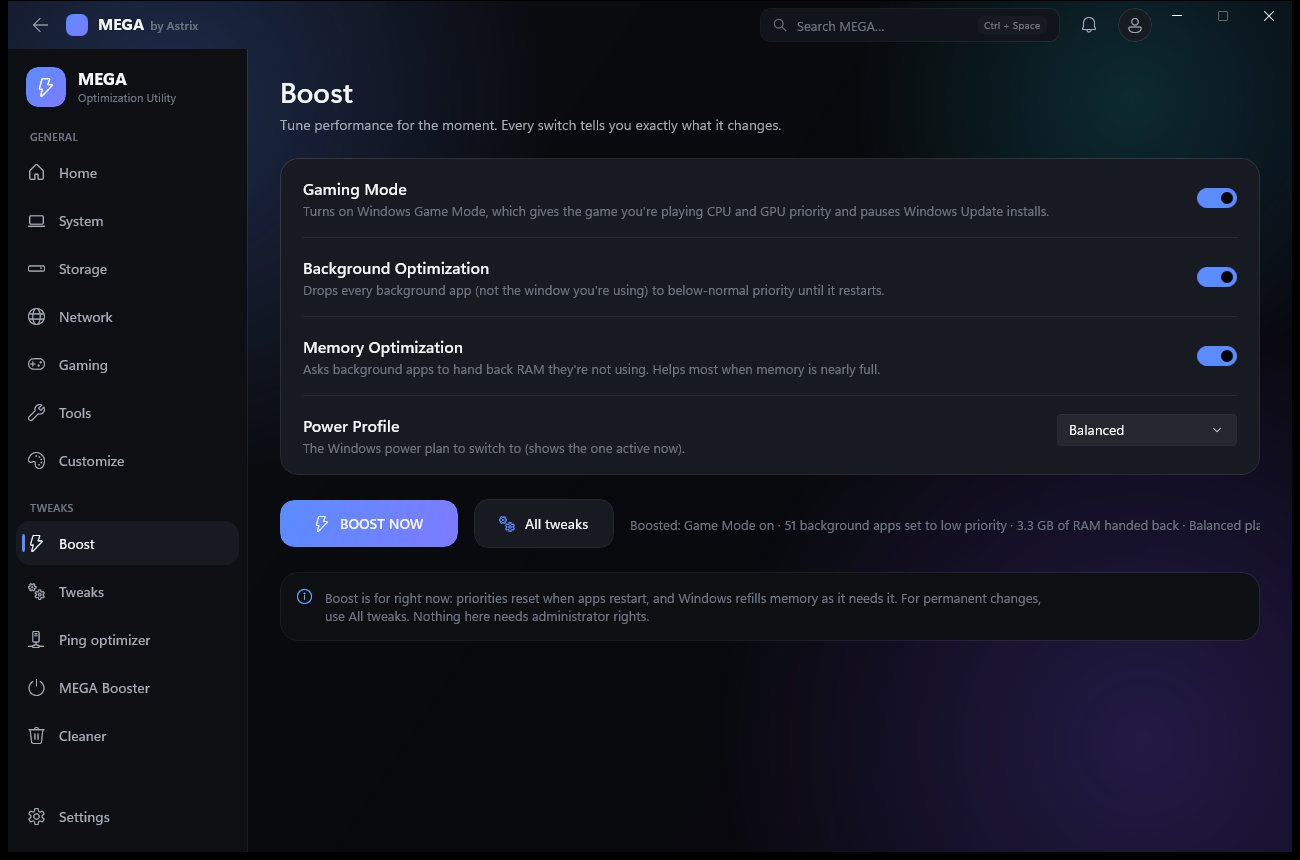
Five steps before and after you tweak.
Verify the download
Check the SHA-256 against the Trust center before you run it.
Make a restore point
Leave the restore point option on, or create one from the Restore points module.
Start with a few
Read each description, apply a small set, and note anything marked Caution or Admin.
Restart if asked
Some tweaks need a restart. The app says which ones.
Check, then undo if needed
If something behaves differently, reverse that change, or use the restore point.