Chat with the model you choose
Write, brainstorm, explain documents, and ask questions. Choose a different model for each conversation.
Chat, search the web, and work on code in one Windows app. Connect cloud models with your own API keys, or run supported local models on your PC.
Start free in your browser with Acastus on the web Beta. Website plans: Plus $5 a month, Pro $10 a month.
Checking the web server…
Write, brainstorm, explain documents, and ask questions. Choose a different model for each conversation.
Search for current information and follow clickable sources to see where answers came from.
Open a project folder and describe what you want to build or fix. Review proposed changes, run tests, and undo applied edits using checkpoints.
Connect a provider offering free models using your own API key. Provider limits apply.
Use supported paid providers with Pro. You choose when to enable them, and provider usage is billed separately.
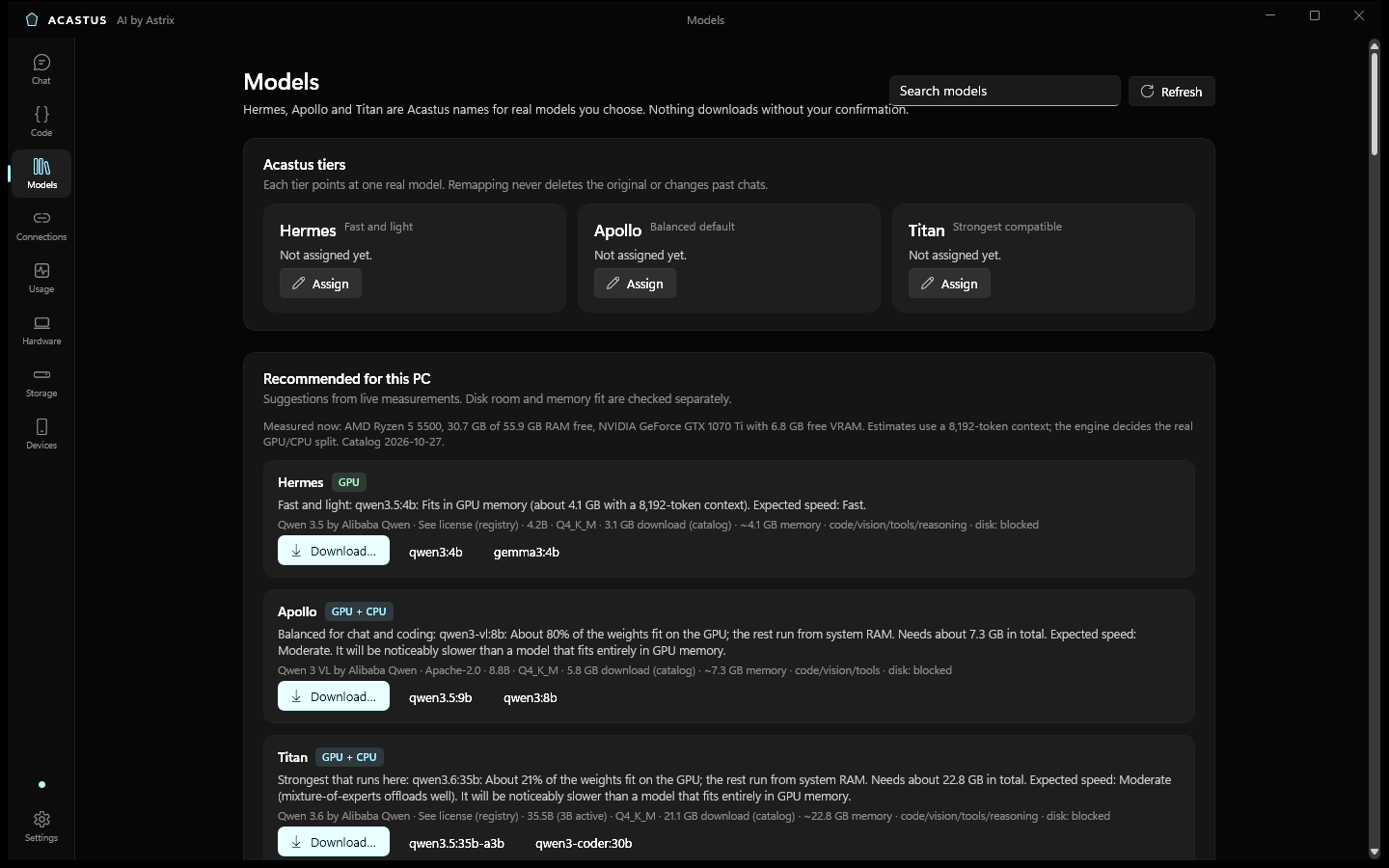
Run supported models on your own computer. ACASTUS helps you understand which models fit your hardware.
An API key connects ACASTUS to your account with an AI provider.
Your chats and settings are stored on your PC. Saved desktop API keys are encrypted using Windows.
When you use a cloud model, the content needed for your request is sent to your selected provider. Local models run on your computer; web searches and online tools still connect to external services.
Free-only mode is on by default. ACASTUS never silently switches you to a paid model. Usage figures are labeled as reported, estimated, or unknown.
Install it on your Windows PC.
Use a provider API key, or set up a supported local model.
Ask a question, attach a document, or search for information. With Pro, open a project folder to start a coding task.
Plans for Acastus on the web Beta at astrixz.com/ai. The Windows app is a separate free download.
$0
$5per month
$10per month
Website plans, billed monthly, cancel any time. Your key arrives by email: paste it in Your plan on astrixz.com/ai. Plan keys work on the website only, not in the Windows app. When a subscription ends, its key stops working. Acastus on the web is in beta.
Acastus AI Desktop 1.0.1. Verify the download with SHA256SUMS.txt. Want the full Acastus workspace (your own models, Code, projects)? Download Acastus AI 2.16.7 (SHA256SUMS).
ACASTUS is an app that connects you to AI models and gives them a workspace with search, tools, and coding features.
No. Free works with no subscription. Plus ($5/month) and Pro ($10/month) are monthly plans for Acastus on the web (beta), cancel any time; your key stops working when the subscription ends. Connected providers in the Windows app may charge separately.
Local-model chat can run without a cloud provider once the required model is installed. Cloud models, web search, and online data tools require internet access.
Hardware requirements depend on the model. Cloud models run with the provider; local models use your PC's memory and processing power.
Some built-in sources work without one. Broader web search requires a supported search-provider key.
Yes, two ways. Open astrixz.com/ai in your phone's browser (nothing to install), or try the Android app beta, where anyone can chat with Iris free just like on the website: download the APK on your phone and open it (Android asks once to allow installs from your browser). It's a beta, so expect rough edges. Verify it with SHA256SUMS.txt.