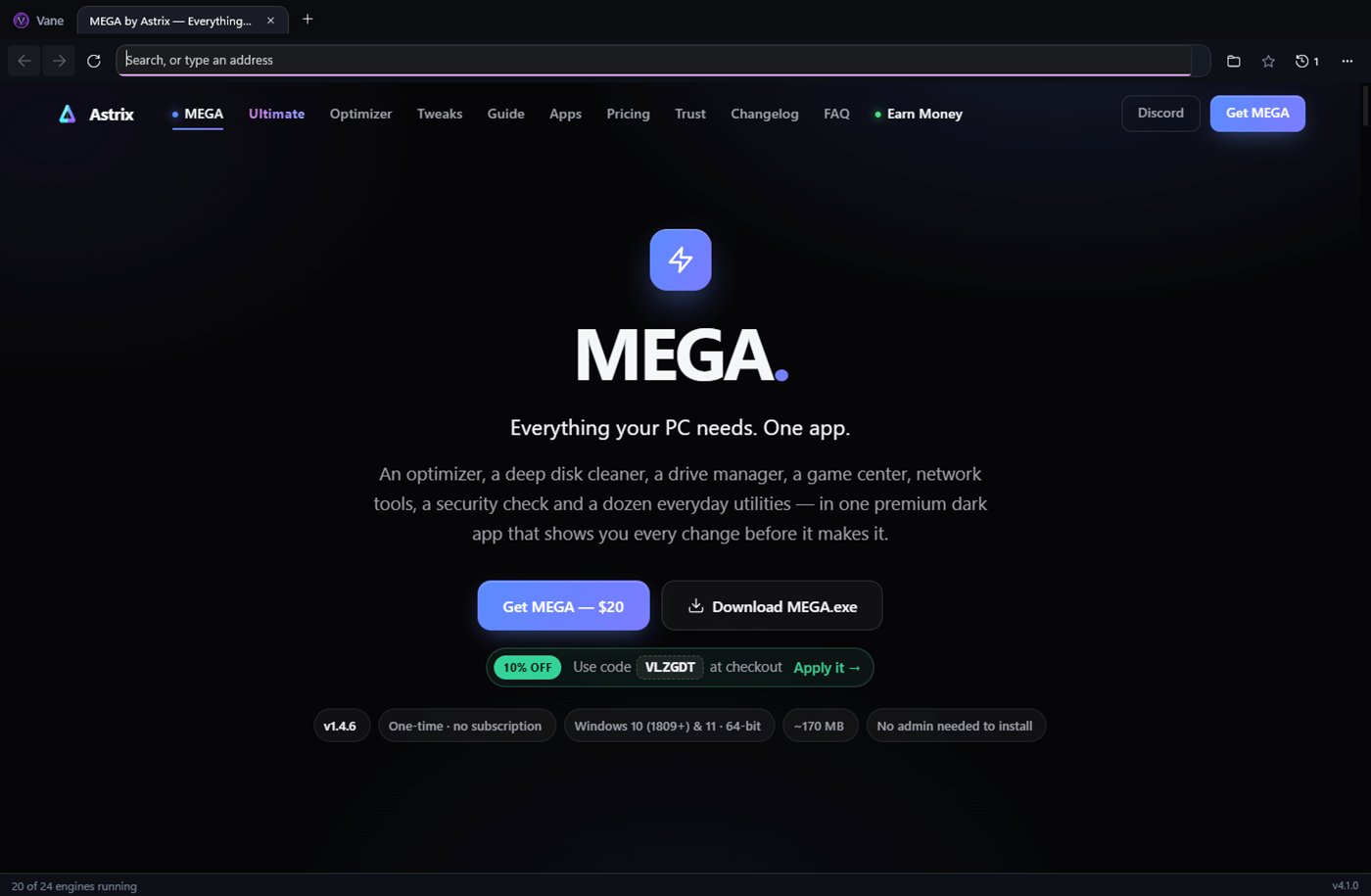
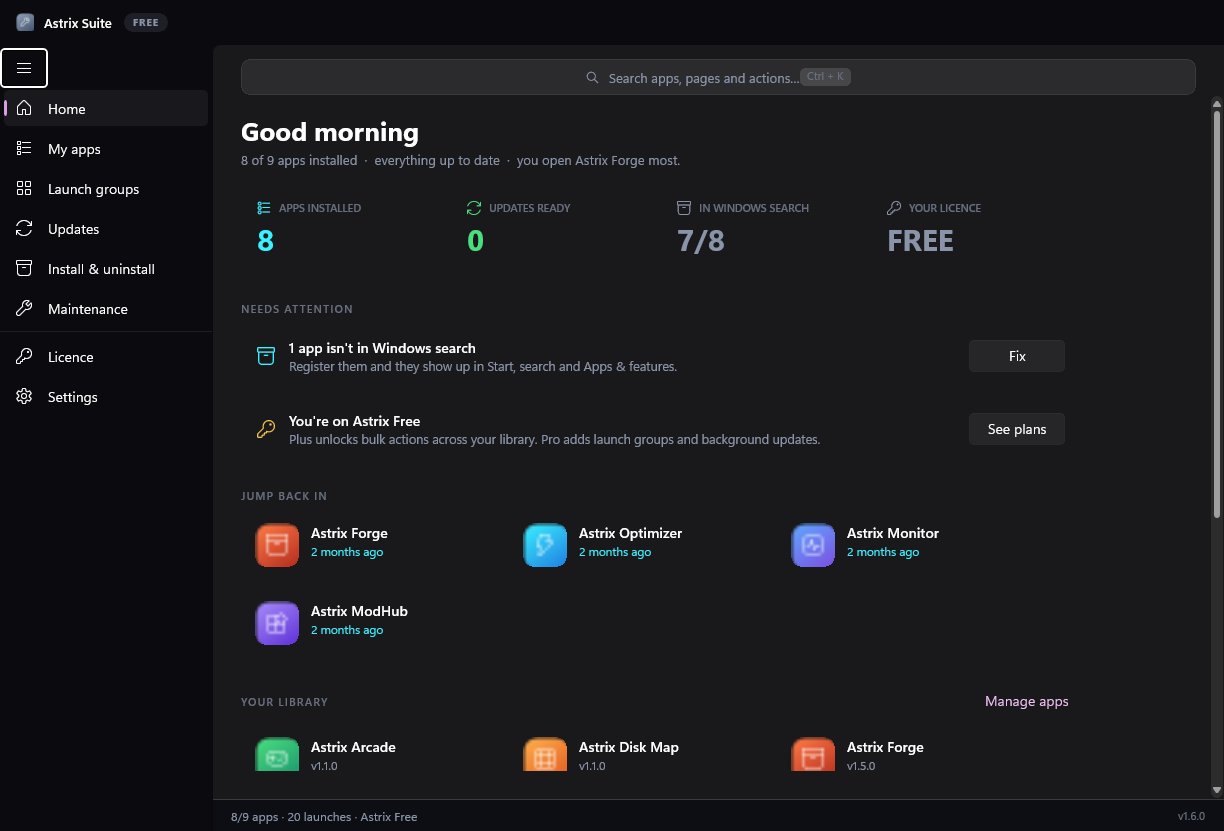
MEGA is the all-in-one Windows toolkit from Astrix — 373 real tweaks, a cleaner that finds the space others miss, a drive manager that moves whole games, network tools, a security check and 25 working modules. One price. No placebo.
MEGA puts an optimizer, a deep cleaner, a drive manager, a game center, network tools, a security check and a dozen everyday utilities in one premium dark app.
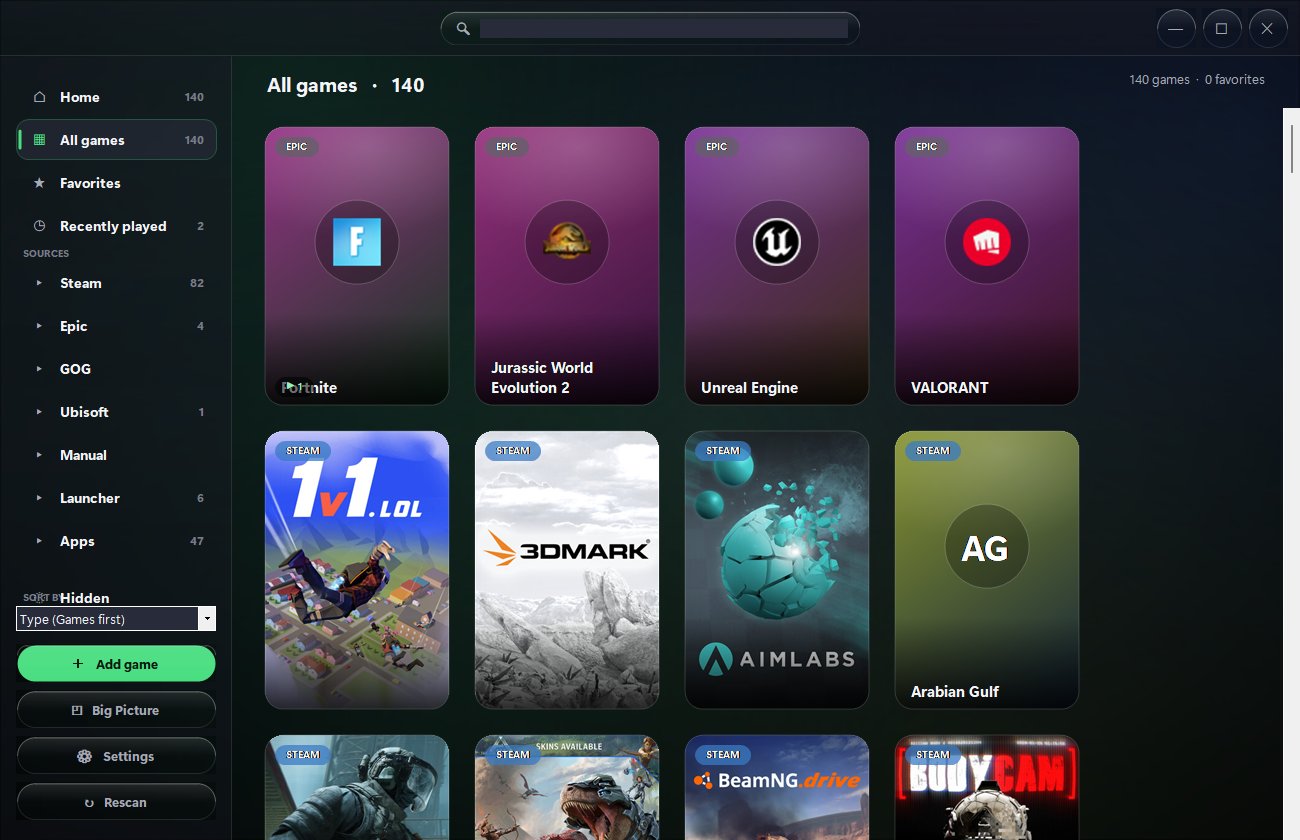
Game Center
Move a game. Everything comes with it.
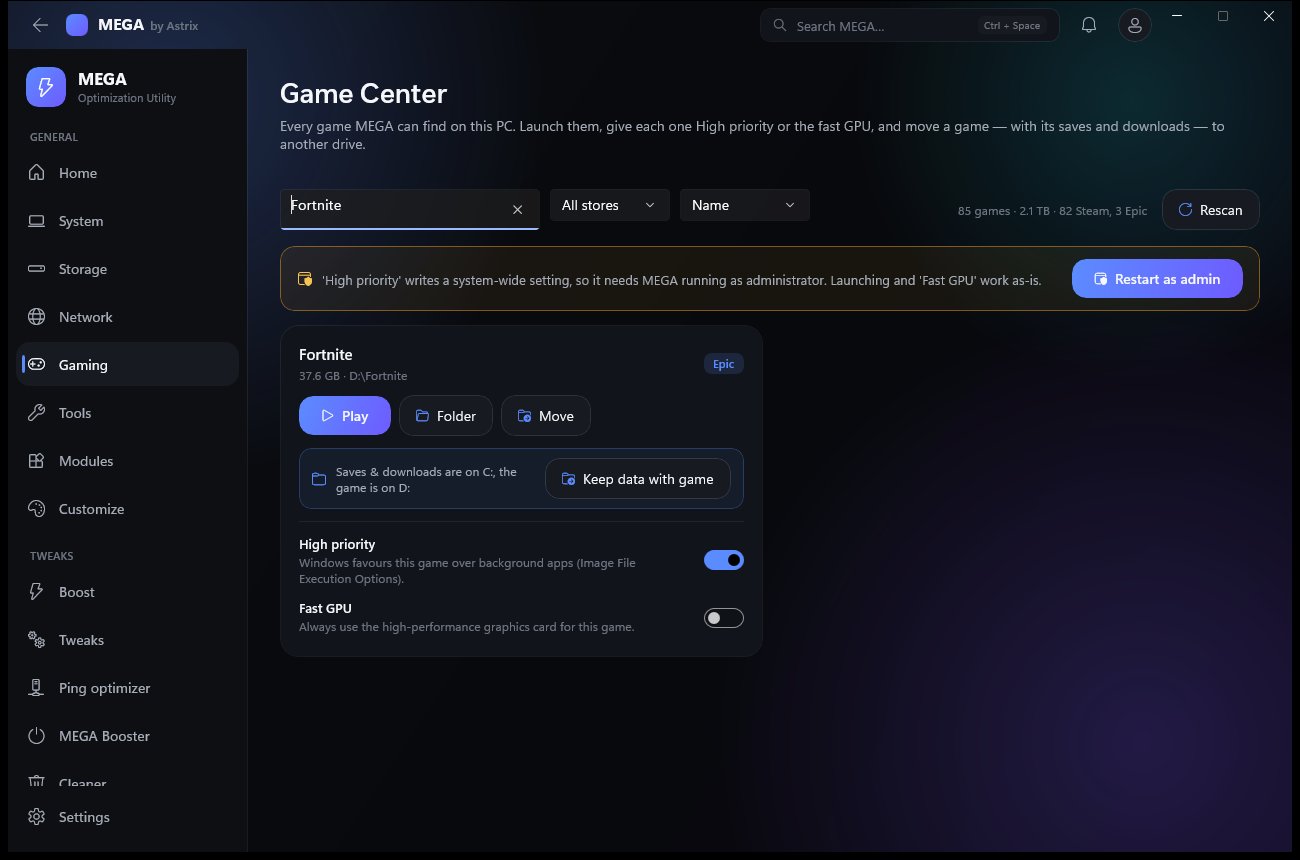
MEGA finds every Steam and Epic game on every drive. Move an Epic game for real: Epic's own records are updated, so Play, updates and Verify all just work with no re-download.
Add-ons that share the folder move too (LEGO Fortnite, Save the World)
Keep data with game — saves, replays and downloads follow it to the new drive
SSD or HDD detection, live speed and time left, Cancel and Undo
Hyper Cleaner
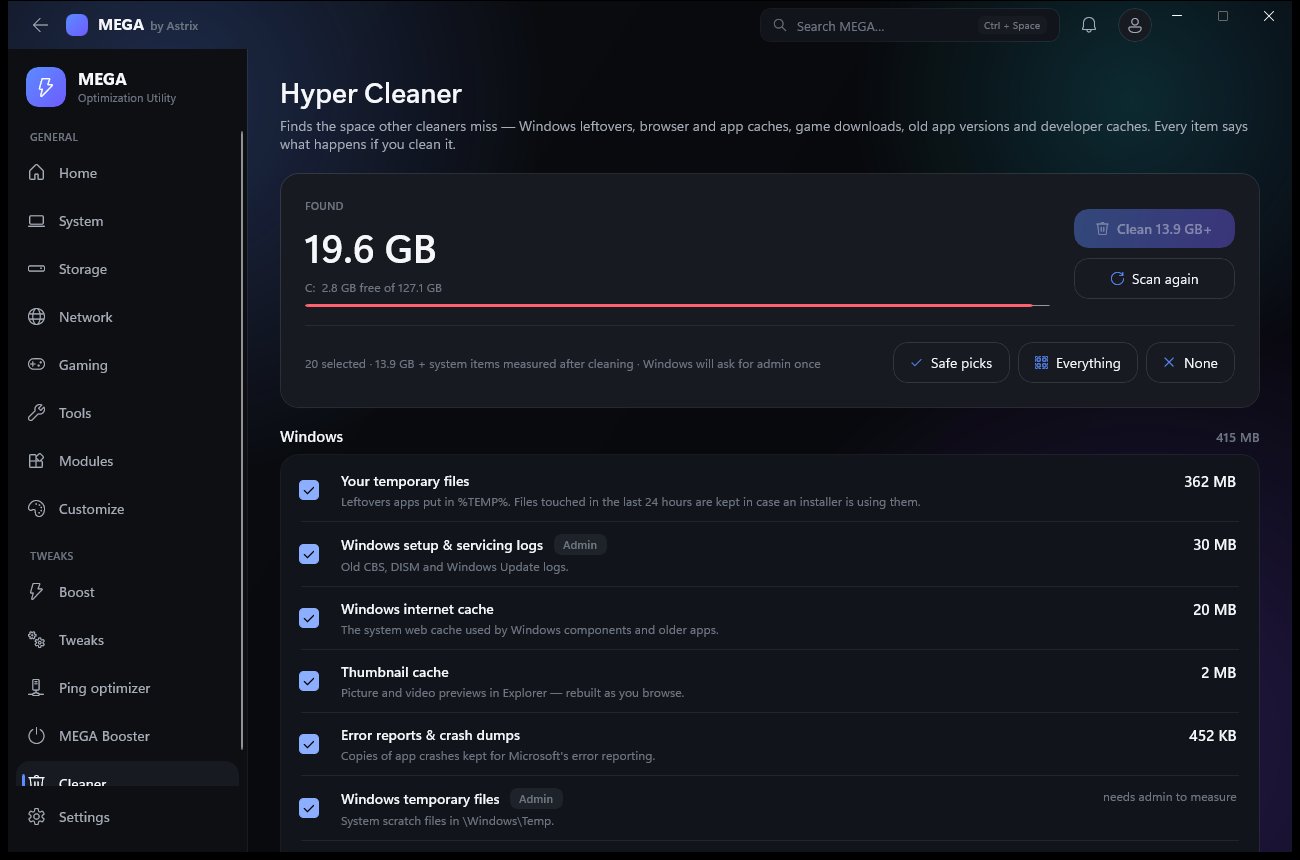
About 35 kinds of leftovers across Windows, browsers, games, apps and dev tools. Each item shows its size and what happens if you clean it. Before-and-after free space when it's done.
Drive Explorer
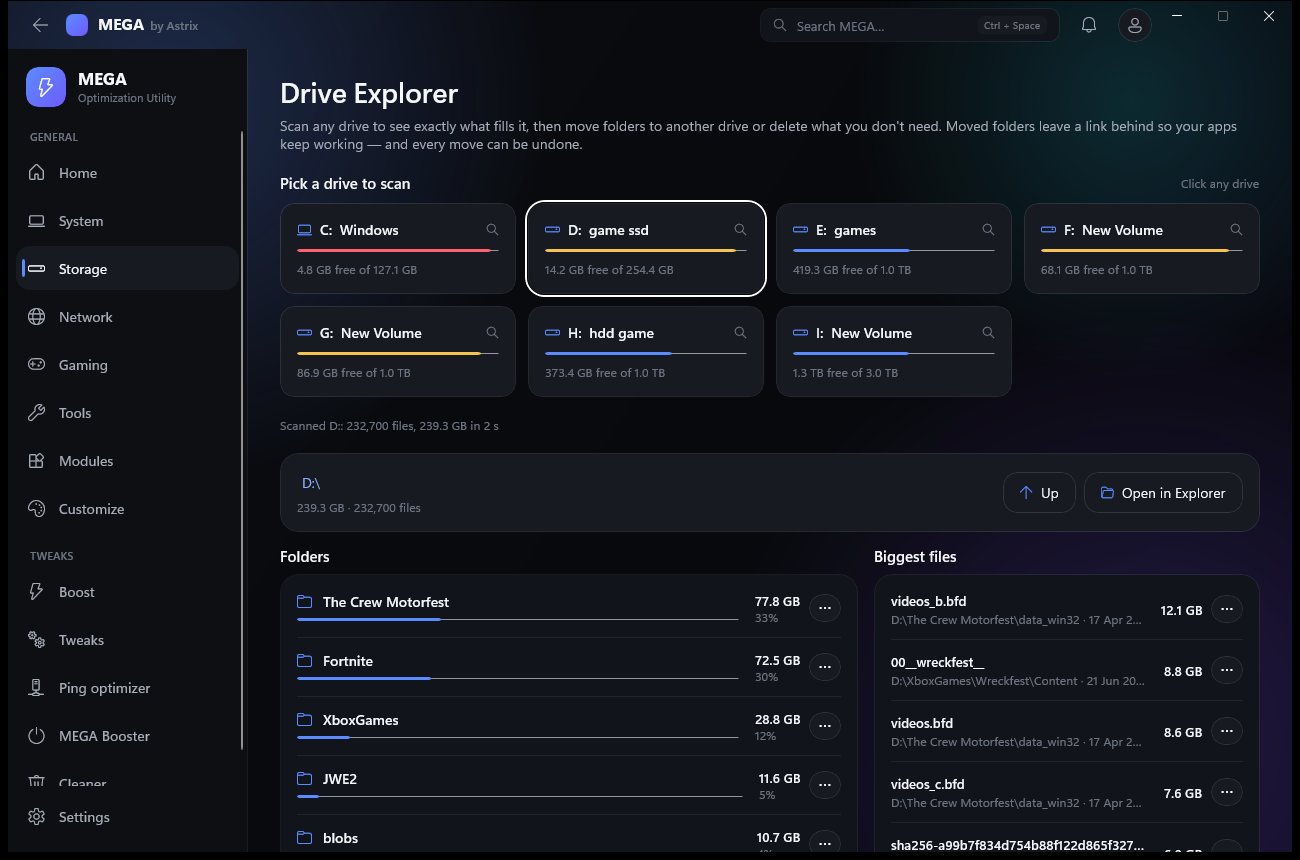
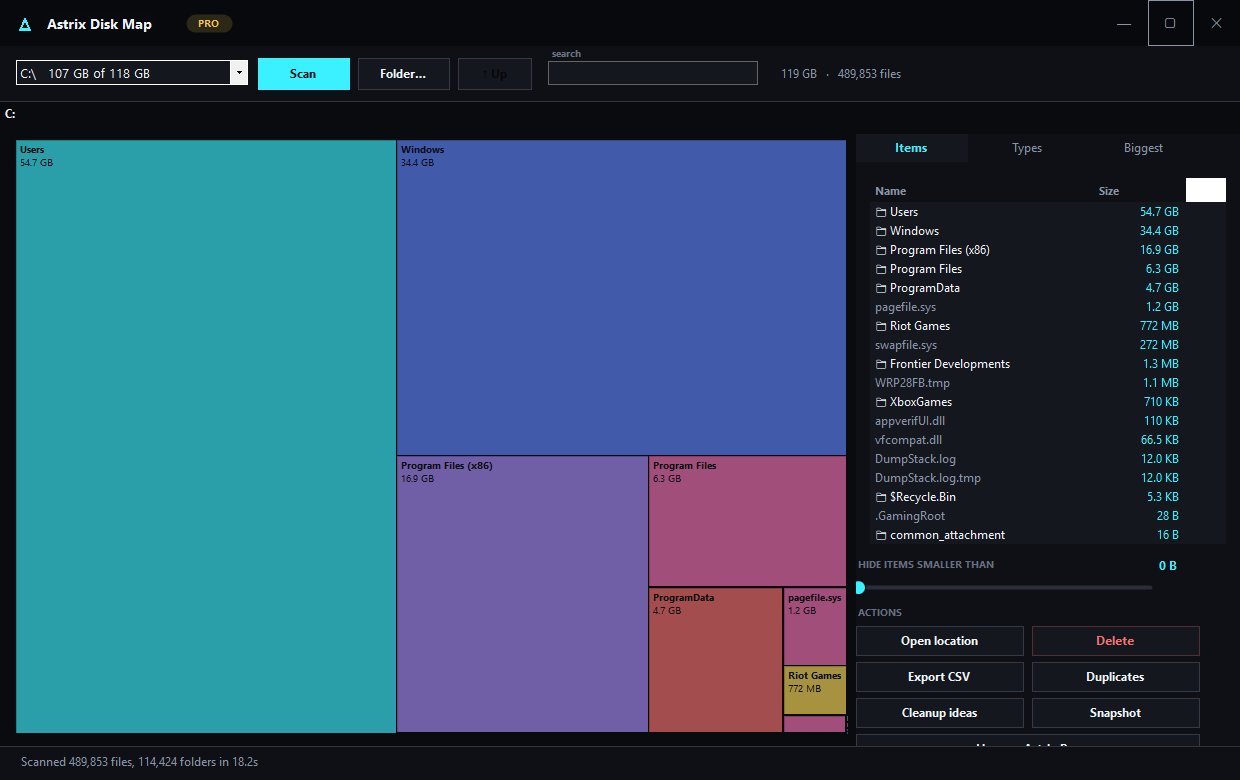
Scan any drive and see exactly what fills it. Move folders to another drive with a link left behind so apps keep working — or move Documents the official Windows way.
373 real tweaks
14 categories, from Gaming and Network to AI & Copilot. Windows' own settings — MEGA never patches system files. See every one.
Network tools
Ping, traceroute, a DNS test that catches ISP interception, a speed test, live packet loss and every adapter's details.
Security check
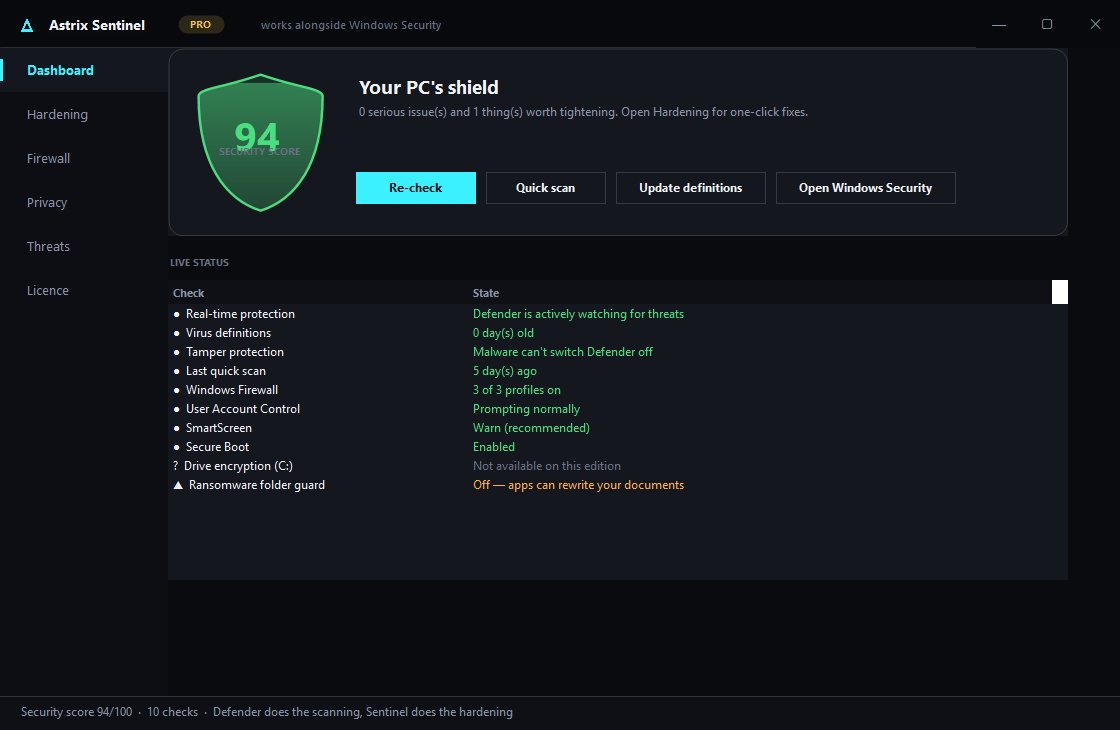
Defender, firewall, UAC, Secure Boot, SmartScreen, SMBv1 and more — scored, with a fix button for each. Works with Windows Security, not instead of it.
Boost & MEGA Booster
One press: Game Mode, background apps to low priority, RAM handed back. Booster keeps everything but your whitelist closed while you play.
Benchmark & Display
CPU, RAM bandwidth and uncached disk speed. Spots a 144/240 Hz monitor stuck at 60 Hz — and reverts in 15 s unless you keep it.
…and 25 modules
Services, drivers, restore points, hosts file, Wi-Fi passwords, process & startup managers, uninstaller, password generator and more. All modules.
See it
The real app. No mockups.
Every screenshot is MEGA 1.3 running on a normal Windows 11 gaming PC.
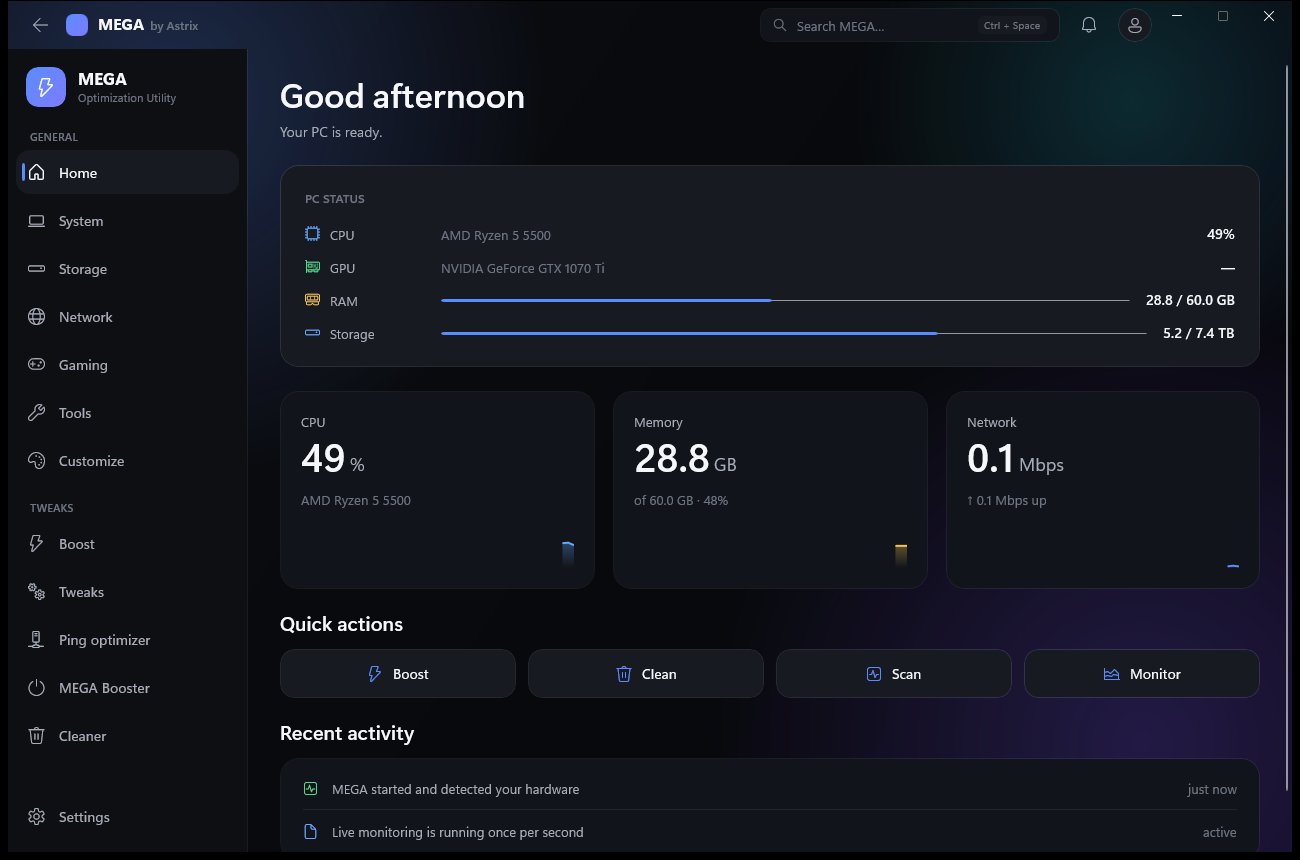
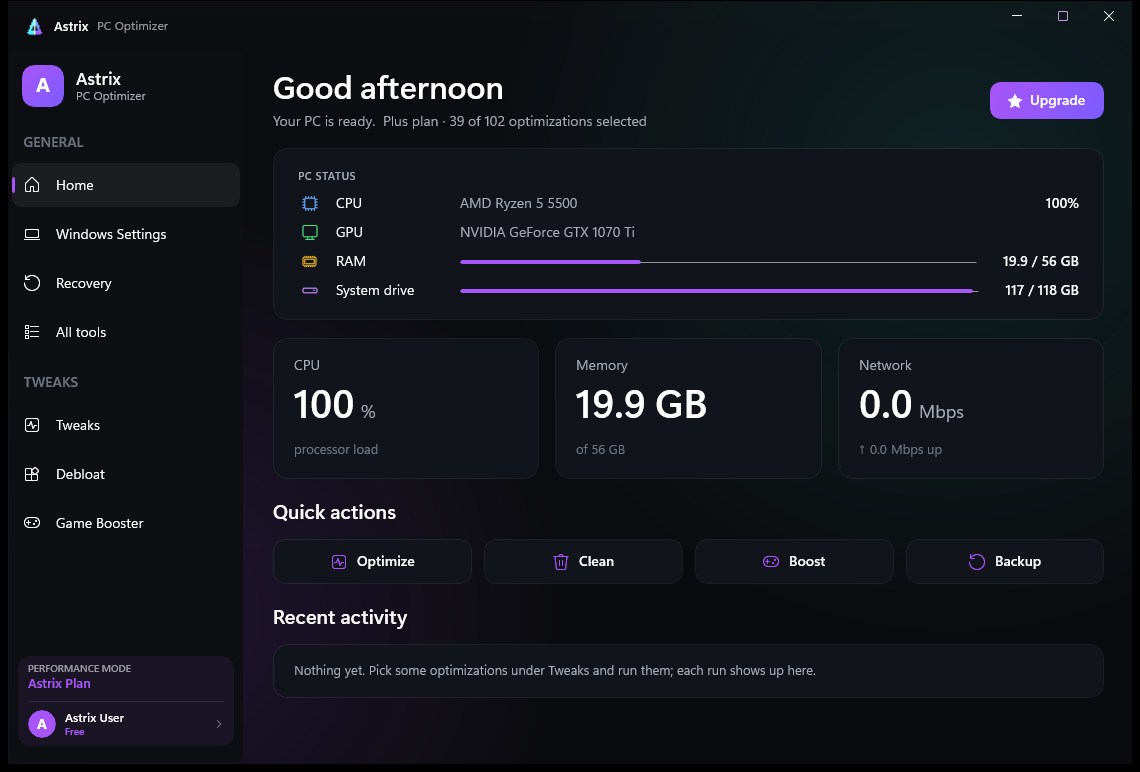
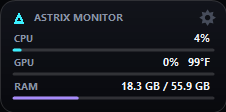
Home — live CPU, GPU, RAM and storage, with one-press Boost, Clean, Scan and Monitor.
Honest by design
Three rules. Every feature.
"Optimizers" that promise thousands of tweaks pad the number with junk. Every Astrix app runs on the same three rules instead.
01
Real, not placebo.
Every tweak and tool does something measurable. No fake RAM boosters, no made-up FPS numbers, no hidden snake-oil settings.
02
Show before changing.
You see exactly what each action changes, and what it costs, before it happens — and you're asked first.
03
Always reversible.
Moves can be undone. Installs roll back on failure. Nothing is deleted without being listed first. Restore points are one click.
No telemetry of our ownNo ads or upsell nagsNo subscriptionsNo bundled toolbarsNo crypto mining
Evidence, not promises
See what MEGA actually changes.
No fake benchmark numbers. No guaranteed FPS. Only things we measured — with the PC they were measured on.
Cleaner results
19.6 GB found by Hyper Cleaner on our test PC — each item listed with its size and what cleaning it does before anything is deleted.
System overhead
217 processes running on that PC when we captured it, counted by Astrix’s dashboard. Every one of them shares the CPU and RAM with your game — trimming what you don’t need is what the tweaks are for.
Test PC: AMD Ryzen 5 5500 · NVIDIA GTX 1070 Ti · Windows 11 Pro (build 26200). We will never promise a fixed FPS gain or lower ping for every PC — results depend on your hardware, drivers and what was running before.
Actively developed
Latest releases.
Pulled from our published releases every time the site is built — no made-up dates.
The original Astrix — a focused Windows 11 optimizer. Clean junk, cut latency, kill telemetry and strip bloat, with a restore point before every run. 102 tweaks are free forever; Plus and Pro unlock the rest.
102 free tweaks — every Windows setting and all bloatware removal, including Edge
Fortnite & Valorant configs — reads the game's own config and writes the competitive set, with a backup
Game Boost frees standby RAM before you play
Safe / Caution badge on every tweak, and a full activity log
Astrix Optimizer v6.25.0
Free · Windows 10 & 11, 64-bit · one file, nothing bundled
Astrix Simple is the same engine on one dark screen: a licence unlock, a big Optimize button and every optimization as a toggle box.
Run as admin
Approve the UAC prompt — Astrix needs it to change system settings.
Pick & run
Toggle what you want, keep Create a restore point on, and run.
New releases can trigger a SmartScreen warning until they build download reputation. Verify before you run: check the file's SHA-256 and signature against our Trust center, and look it up on VirusTotal.
Pricing
Pay once. Keep it.
No subscriptions on anything. Start with the free Optimizer, unlock more with Plus or Pro, get MEGA, the whole toolkit — or Astrix Ultimate, everything we make with one key.
Free
Best for: trying Astrix and the core cleanup + debloat
Every update to every app it includes, plus future apps
Licence
No key needed
One-time · never expires
One-time · never expires
One-time · never expires · 1 PC
One-time · never expires · up to 3 PCs
Best for
Trying Astrix
Everyday PCs
Gamers, every tweak
The whole toolkit
Everything Astrix makes
Optimizer tiers (Free / Plus / Pro) and MEGA are separate products: Plus and Pro unlock more of Astrix Optimizer (306 tweaks); MEGA is its own app (373 tweaks + 25 modules). Secure checkout by Stripe. Your unique licence key arrives by email. Paste it into Settings → Astrix Plus / Pro in the Optimizer, or into MEGA Setup or MEGA's first launch. MEGA is a separate product from the Optimizer tiers. An Astrix Ultimate key unlocks MEGA, Optimizer Pro and ASTRIX Coach together. Every purchase is refundable within 24 hours (refund policy).
The Astrix family
One studio. A growing toolkit.
Small, honest apps for your PC and your games. Most are free.
Available now
Download and use today — versions and dates come straight from our releases.
What's the difference between MEGA and Astrix Optimizer?
Astrix Optimizer is a focused tweak app: 306 Windows optimizations, 102 free, with Plus ($5) and Pro ($10) unlocking the rest.
MEGA is the whole toolkit ($20). It has 373 tweaks plus Hyper Cleaner, Drive Explorer, Game Center with game moving, network tools, a security check, a benchmark and 25 modules in all. They're separate products with separate licences.
Is it a subscription?
No. Everything is a one-time payment. MEGA includes every update in the 1.x line. The key activates on one PC (an Astrix Ultimate key works on up to 3): it's checked online once, then works offline.
How do I get and activate my key?
Pay through Stripe and your licence key is emailed to you. For MEGA, paste it into MEGA Setup or on first launch; Settings → MEGA licence shows it later and has a Deactivate button. For the Optimizer, open Settings → Astrix Plus / Pro, paste the key and press Activate.
Can I get a refund?
Yes, within 24 hours of buying, for any Astrix product (MEGA, Optimizer Plus or Pro). Message us privately on Discord with the email you paid with. After 24 hours, purchases can’t be refunded. The full refund policy is on our legal page.
Is it safe? Can I undo changes?
Yes. Tweaks are Windows' own documented settings. Nothing patches system files. Both apps can make a System Restore point before you change anything.
In MEGA, every folder or game move is listed under Moved by MEGA with an Undo button. Cleaning lists every item, with its size and consequence, before anything is deleted. Windows, Program Files and the core of your profile are protected.
Can MEGA really move my games to another drive?
For Epic games, yes, fully. MEGA moves the files, verifies them and updates Epic's own records, so Play, updates and Verify all keep working with no re-download. Add-ons that share the folder move with it.
For Steam games, Steam's own mover is the safe way to move the game files, and MEGA explains how. MEGA then moves the saves and downloads. Either way, Keep data with game can put a game's saves, replays and downloaded content on the same drive as the game.
Will it really make my PC faster?
They apply the same legitimate changes power users make by hand: clearing junk, cutting background overhead, prioritising games and fixing settings like a 144 Hz monitor stuck at 60 Hz. Gains depend on your hardware and how cluttered Windows already is. No app can add hardware you don't have, and Astrix won't pretend it can.
Why does Windows warn about it — and is it safe to run?
SmartScreen warns about any file that hasn't been downloaded by many people yet, and every new release starts with none. Apps that change system settings can also get flagged by behaviour. A warning isn't proof either way, so don't just click past it — verify the file.
Our Trust center lists the exact SHA-256 of every published release, our signing-certificate thumbprint, and a VirusTotal link for each file. If your hash matches and the scan is clean, it's the file we published. If Defender names a specific threat, don't run it — tell us on Discord and we'll investigate. MEGA installs into your user profile and doesn't need admin to install; items marked "Admin" ask Windows when you use them.
Does it collect my data?
No. There's no telemetry of our own. MEGA only goes online for licence activation, update checks, optional Google sign-in and cloud sync, and tests you start yourself, like the speed test. Wi-Fi passwords, generated passwords and your hosts file never leave your PC.
How do I get help?
Join the Astrix Discord. It's the fastest way to get support, report a bug or ask for a feature.