Network tools
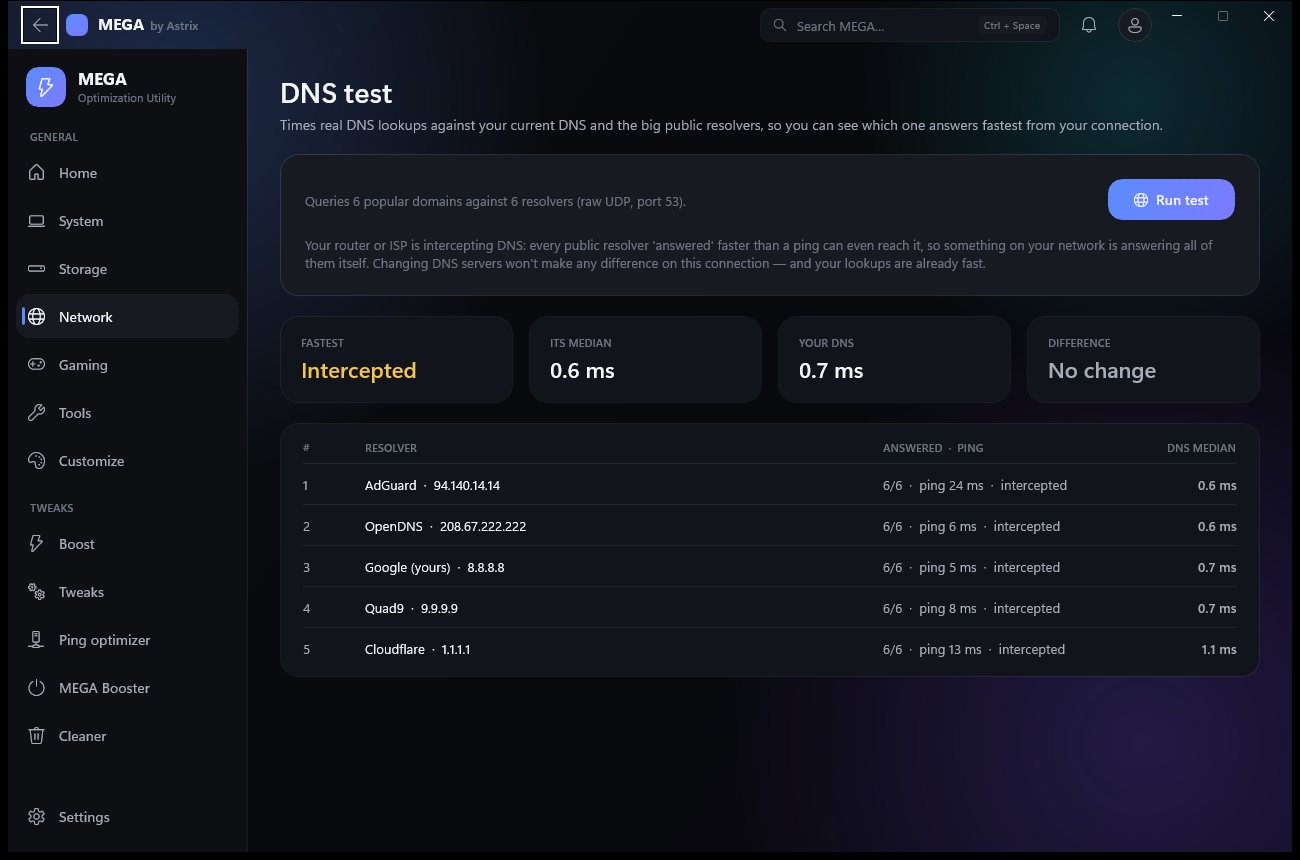
Ping with jitter and loss, traceroute, a DNS test against your DNS and five public resolvers that spots router or ISP interception, a Cloudflare speed test, a 100-ping packet-loss graph, and every adapter's IP, gateway, DNS and speed.
 Astrix
Everything your PC needs. One app.
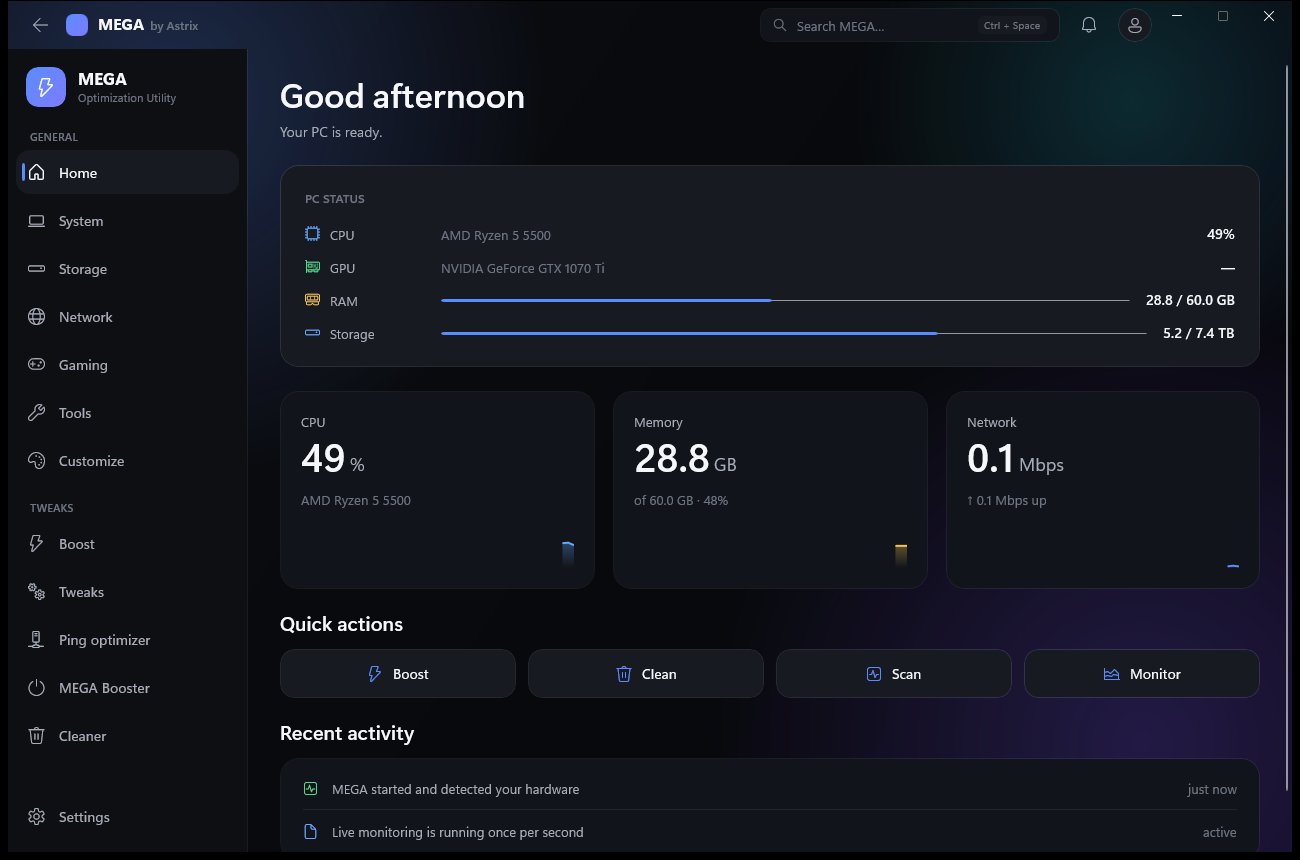
An optimizer, a deep disk cleaner, a drive manager, a game center, network tools, a security check and a dozen everyday utilities — in one premium dark app that shows you every change before it makes it.
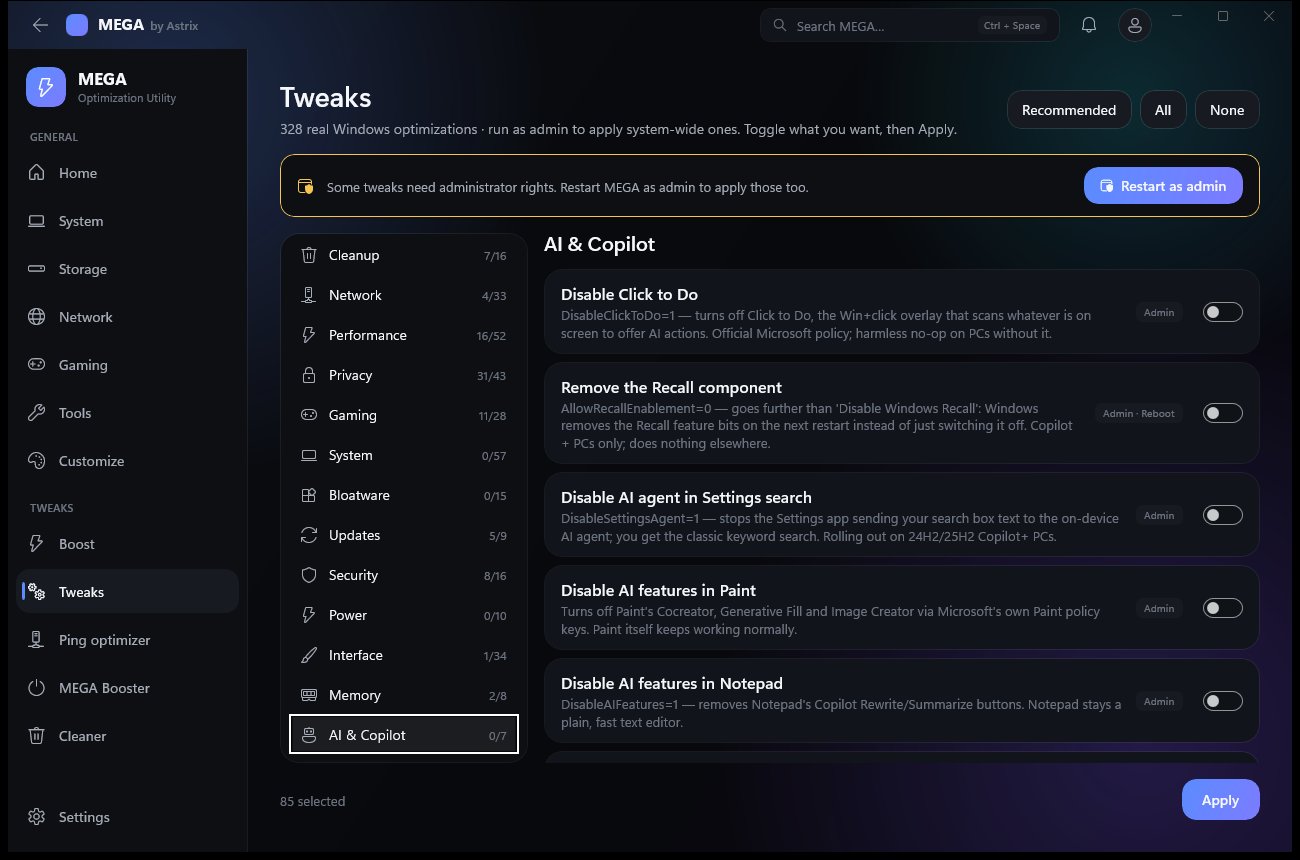
Pick a category, toggle what you want, press Apply. Every tweak says what it does and whether it needs admin or a restart. They're Windows' own settings — MEGA never patches system files.
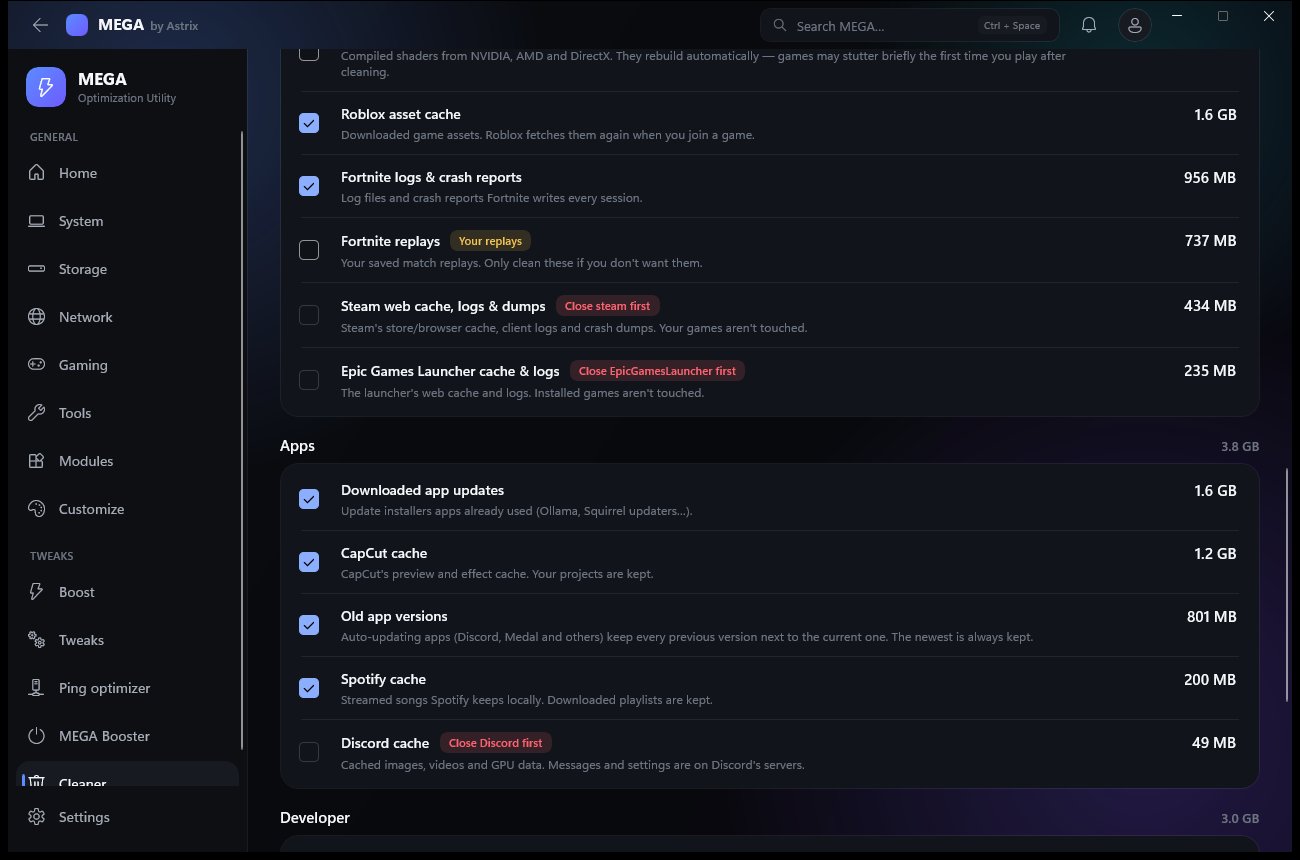
About 35 kinds of leftovers in five groups. Every item shows its size and what happens if you clean it — “re-downloads in-game”, “brief stutter first launch”, “your replays”.
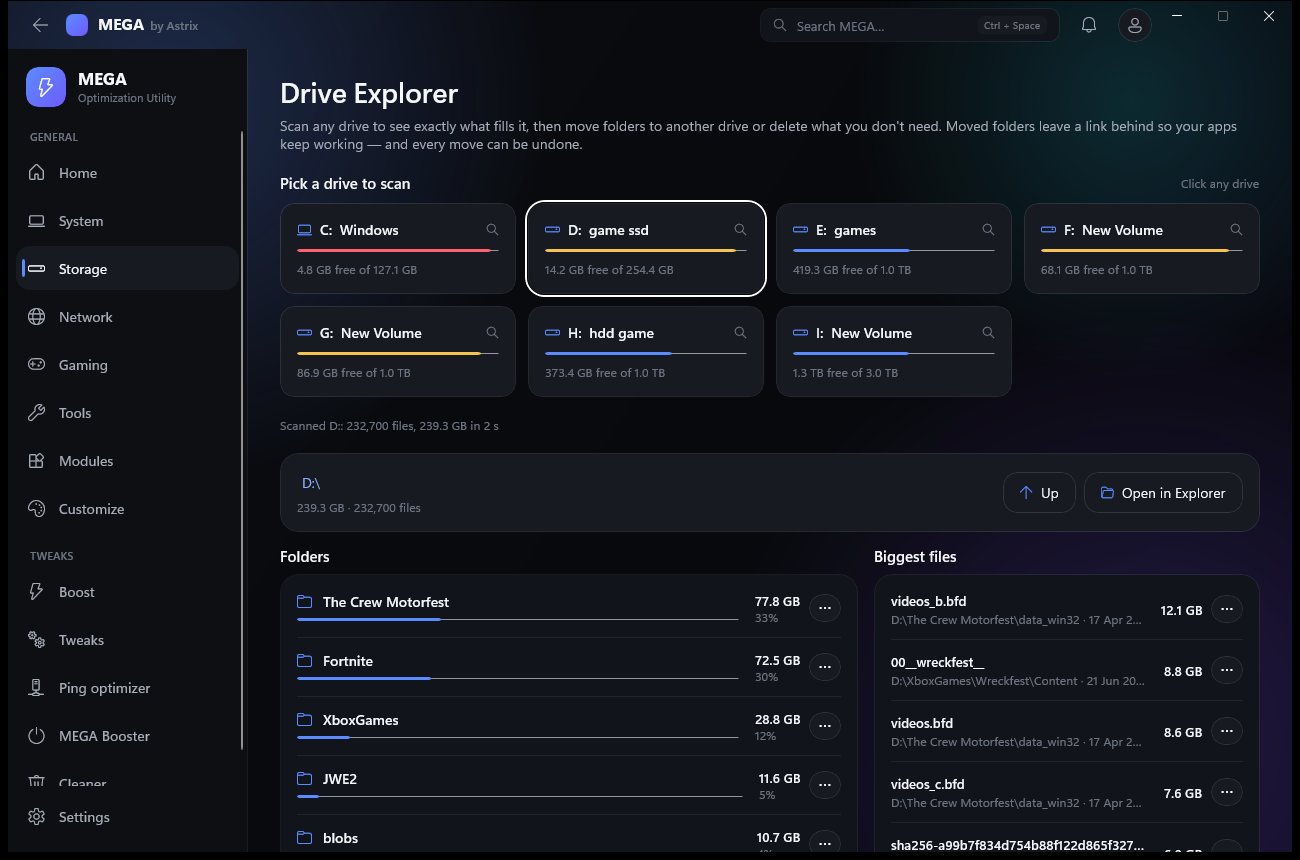
Scan any drive and get folders sorted by size, a click-through tree and a “Biggest files” list — hundreds of thousands of files in seconds.
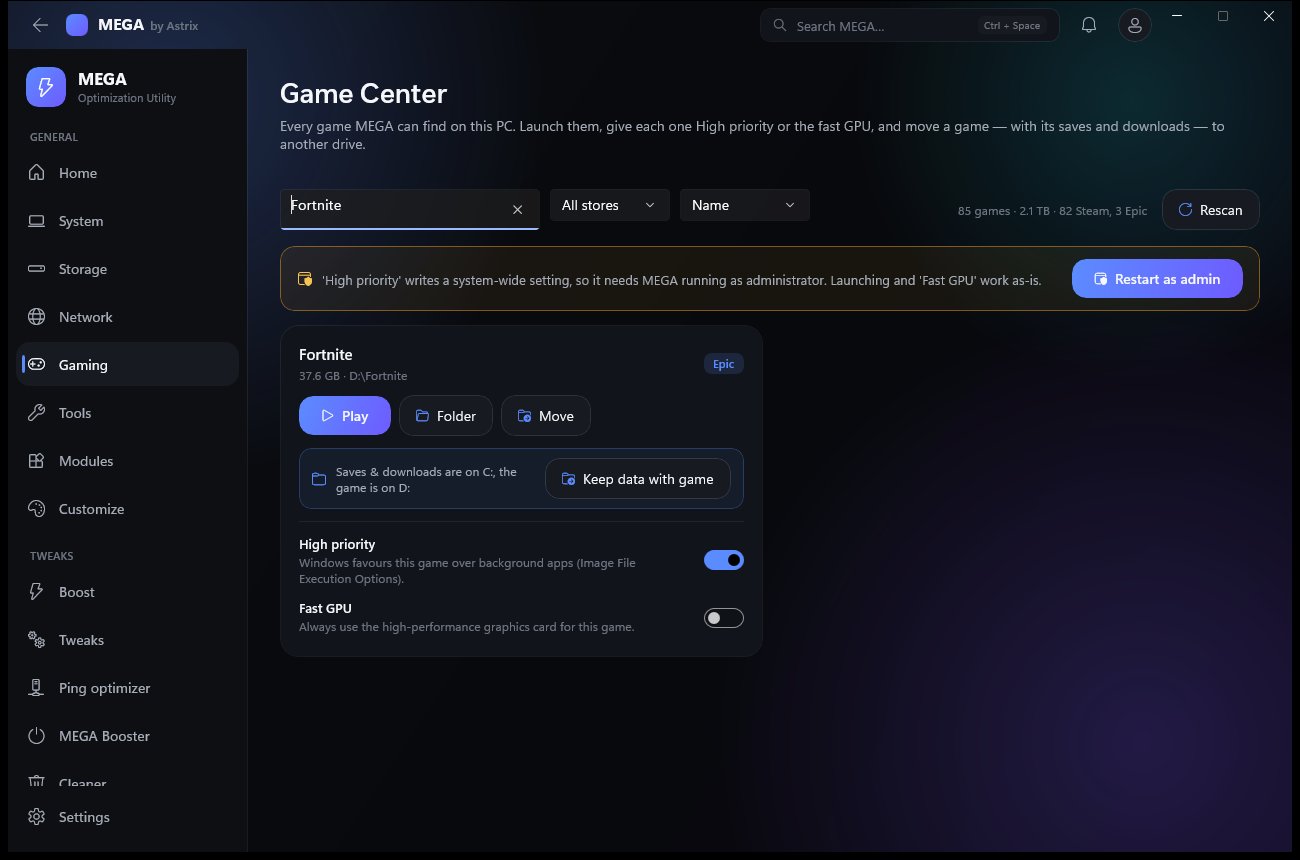
Every Steam and Epic game on every drive, with search, store filter and sort. Play, open the folder, set High priority or the Fast GPU per game — or move it.
Six real network tools, a ping optimizer that tests before and after, and two kinds of boost for when you're about to play.
Ping with jitter and loss, traceroute, a DNS test against your DNS and five public resolvers that spots router or ISP interception, a Cloudflare speed test, a 100-ping packet-loss graph, and every adapter's IP, gateway, DNS and speed.
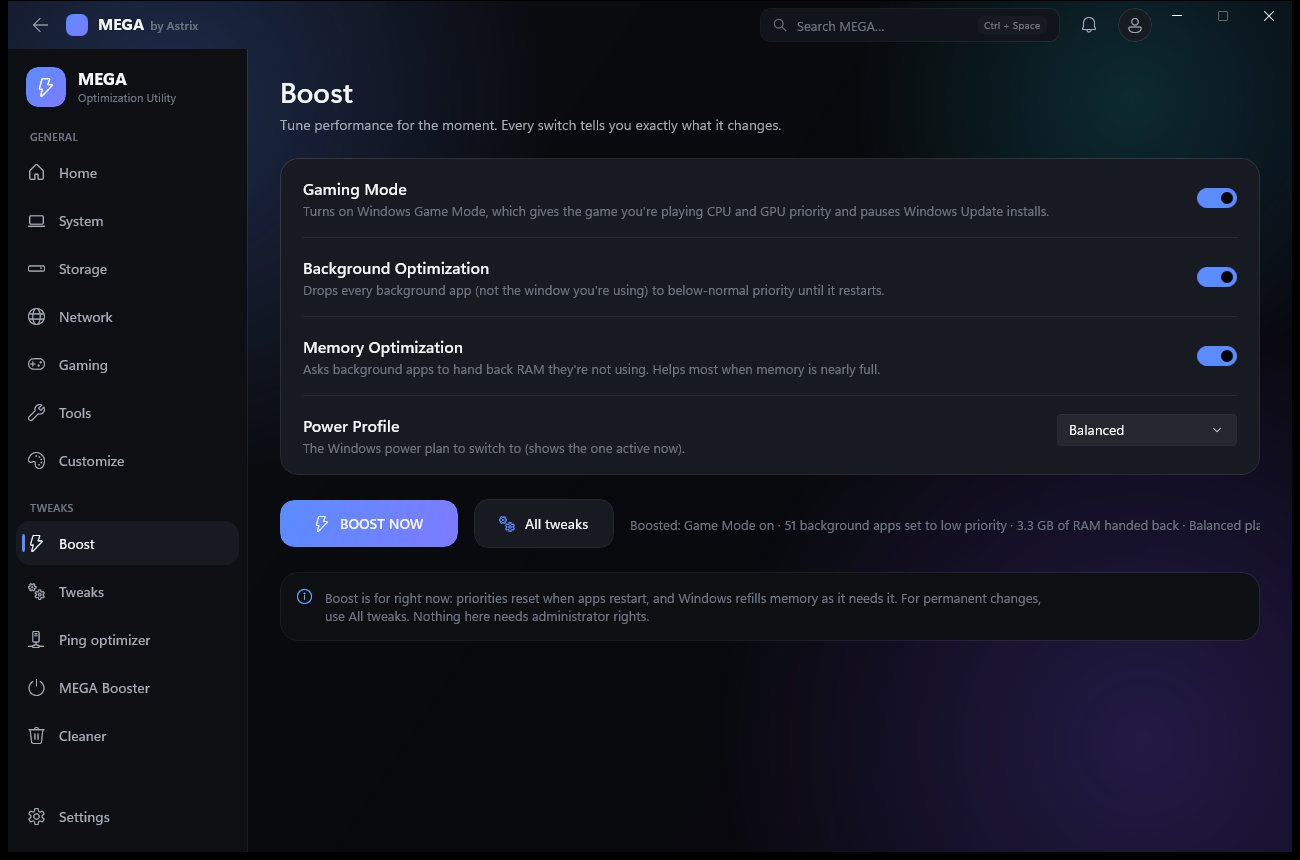
Boost is one press: Game Mode on, background apps to low priority, unused RAM handed back, power plan switched — and it tells you exactly what it did. MEGA Booster closes every app not on your whitelist and keeps them closed until you turn it off.
Open them from the Modules grid, the Tools page, or Ctrl + Space — type “benchmark”, “dns” or “fortnite” and jump straight there.
The full list is public — names, descriptions, and which ones need a restart.
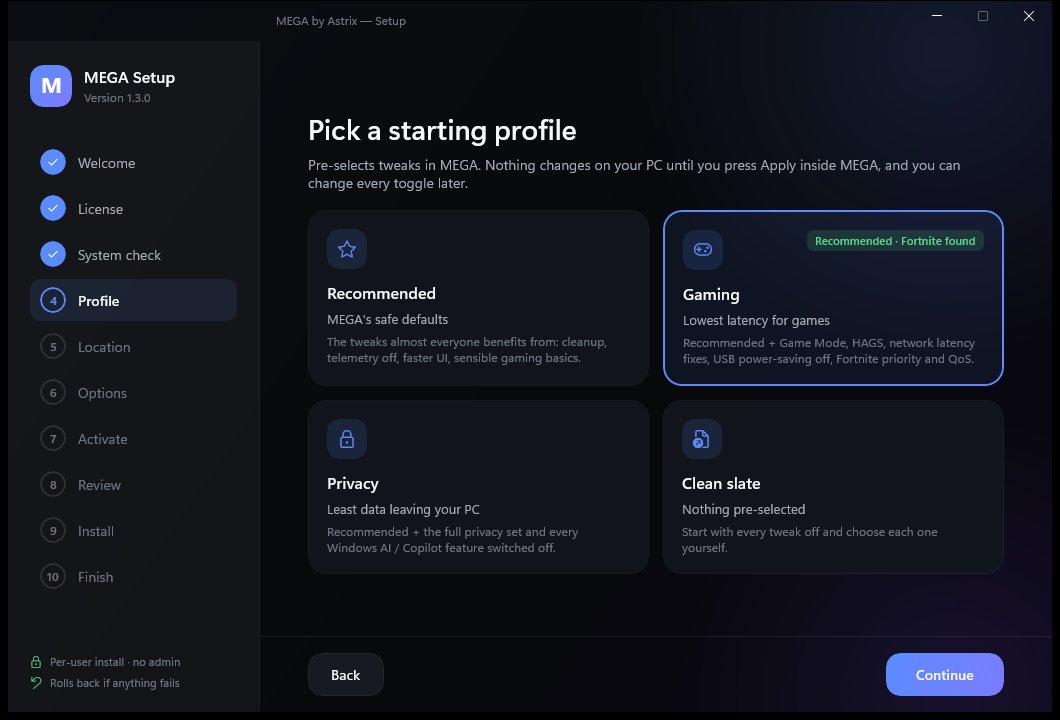
Download MEGA.exe and run it. A small splash unpacks the installer, then Setup walks you through it.
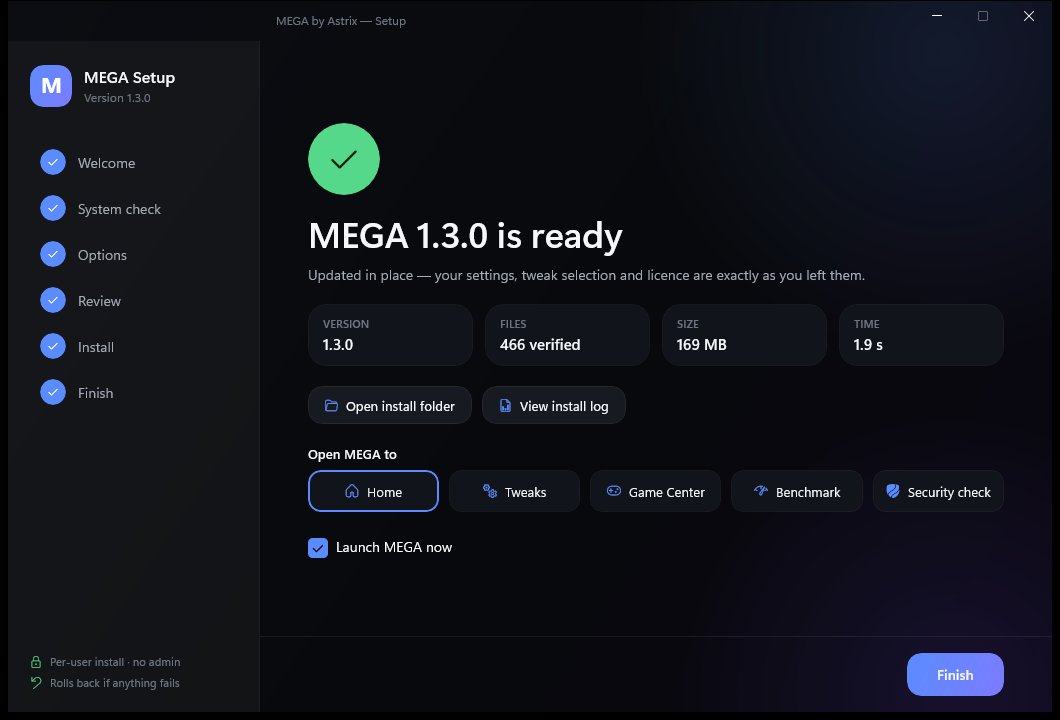
Before removing anything it lists everything MEGA added — app, shortcuts wherever they are, startup entry, scheduled task, the Fortnite network rule, setup leftovers. You choose whether to keep your settings and licence.
No data sold or shared. MEGA goes online only to activate, check for updates, sync if you sign in, and run tests you start. Anonymous diagnostics are off. Wi-Fi passwords and your hosts file never leave the PC.
MEGA checks on start and asks once per version. The update downloads, closes MEGA, replaces the files in place and relaunches. Every 1.x update is included.
# silent install with the same choices on many PCs
MEGA.exe /S [/D=<folder>] [--profile recommended|gaming|privacy|clean]
         [--no-desktop] [--no-startmenu] [--startup] [--restore-point]

# open straight to a page
MEGA.exe --open module:games

# run the scheduled auto-optimize and exit
MEGA.exe --optimize

# silent uninstall
MEGA.exe --uninstall --quiet [--remove-data] [--remove-licence]
ASTRIX-ULTRA-…) unlock MEGA. Your invite card now says anyone who uses your link or code gets 10% off.Secure checkout by Stripe. Your licence key (ASTRIX-MEGA-…) is emailed to you. Activate it in Setup or on first launch. Refundable within 24 hours of purchase (refund policy).
Questions first? Ask on Discord · Read the FAQ · Licence & privacy